Updating Gitlab (docker-compose)
| Make a snapshot before! |
Principle of procedure
...
docker compose down
change version to —> 16.7.7
docker compose up -d
check background migration
docker compose down
change version to —> 16.11.4
docker compose up -d
check background migration
docker compose down
change version to —> 17.1.0
docker compose up -d
check background migration
...| This update manual works only for simple single user Gitlab instances. You have to prepare an update of installations with more users and CD/CI pipelines running like described here: https://docs.gitlab.com/ee/update/ |
Upgrade Path
Check the needed upgrade path via: https://gitlab-com.gitlab.io/support/toolbox/upgrade-path/
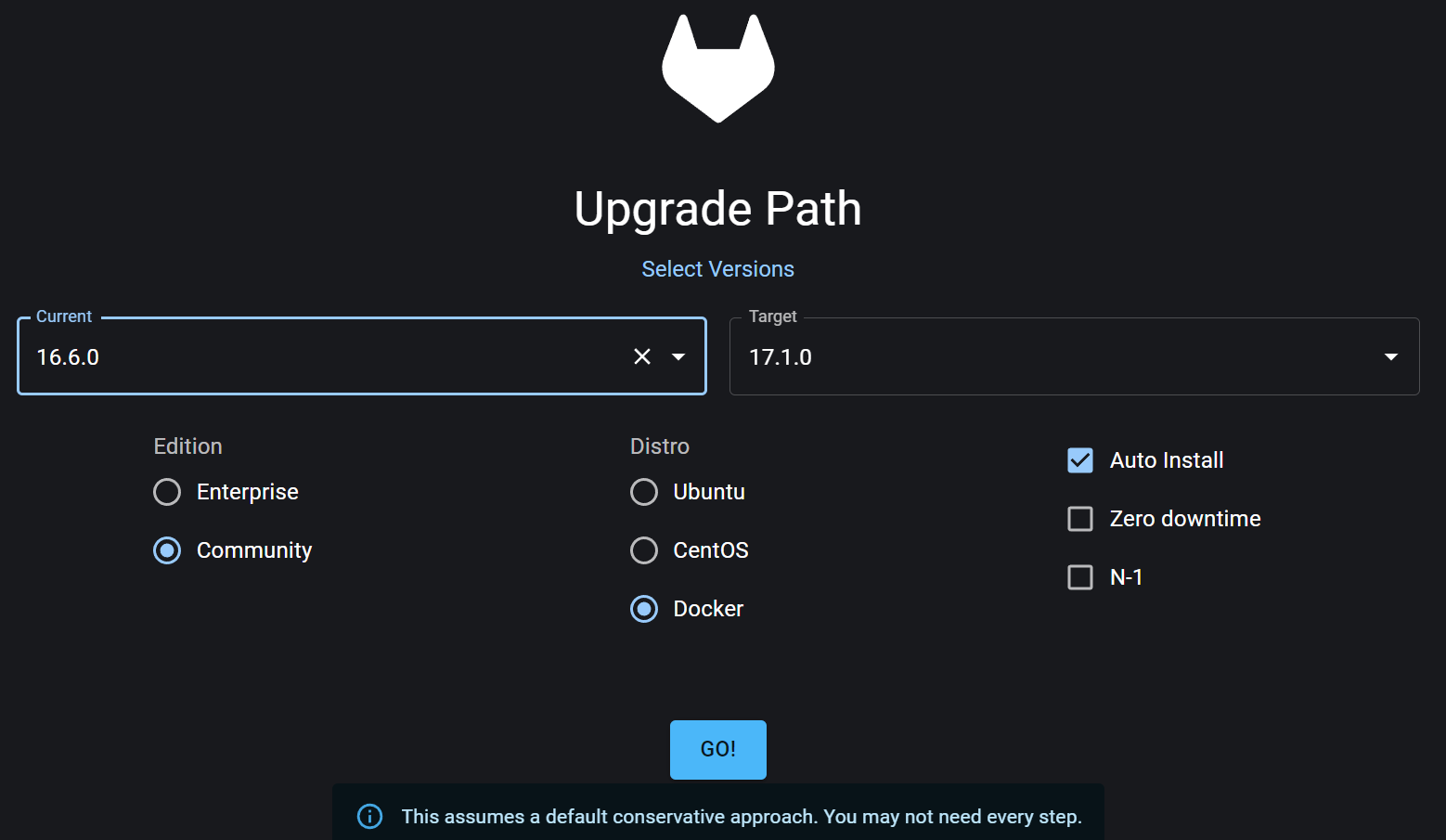
Update Gitlab Version in docker-compose version after version
Change Gitlab Image Version to the next corresponding to the upgrade path.
Stop and remove running containers
sudo docker compose downChange Gitlab version to next of the upgrade path inside docker-compose
version: "3"
services:
  gitlab:
    #image: gitlab/gitlab-ce:16.6.0-ce.0
    image: gitlab/gitlab-ce:16.7.7-ce.0
    ...
Create and start container with new Gitlab images
sudo docker compose up -d
[+] Running 10/10
 ✔ gitlab 9 layers [⣿⣿⣿⣿⣿⣿⣿⣿⣿]      0B/0B      Pulled                                                                                                                                                      88.2s
   ✔ 7646c8da3324 Already exists                                                                                                                                                                            0.0s
   ✔ 34cfa8f3a02f Pull complete                                                                                                                                                                             0.4s
   ✔ 0c3fe08b628f Pull complete                                                                                                                                                                             0.8s
   ✔ 9ea44d6ff44f Pull complete                                                                                                                                                                             0.4s
   ✔ 0adf9410b6af Pull complete                                                                                                                                                                             0.8s
   ✔ 59a71a507a43 Pull complete                                                                                                                                                                             0.9s
   ✔ c48185fb4ded Pull complete                                                                                                                                                                             1.2s
   ✔ 62e33a4b07cf Pull complete                                                                                                                                                                             1.2s
   ✔ 5c13bccd6c96 Pull complete                                                                                                                                                                            30.4s
[+] Running 2/2
 ✔ Container gitlab-redis-1   Started                                                                                                                                                                       9.8s
 ✔ Container gitlab-gitlab-1  Started
Log into the Gitlab UI and check background migration jobs.
Wait until background migration jobs are finished
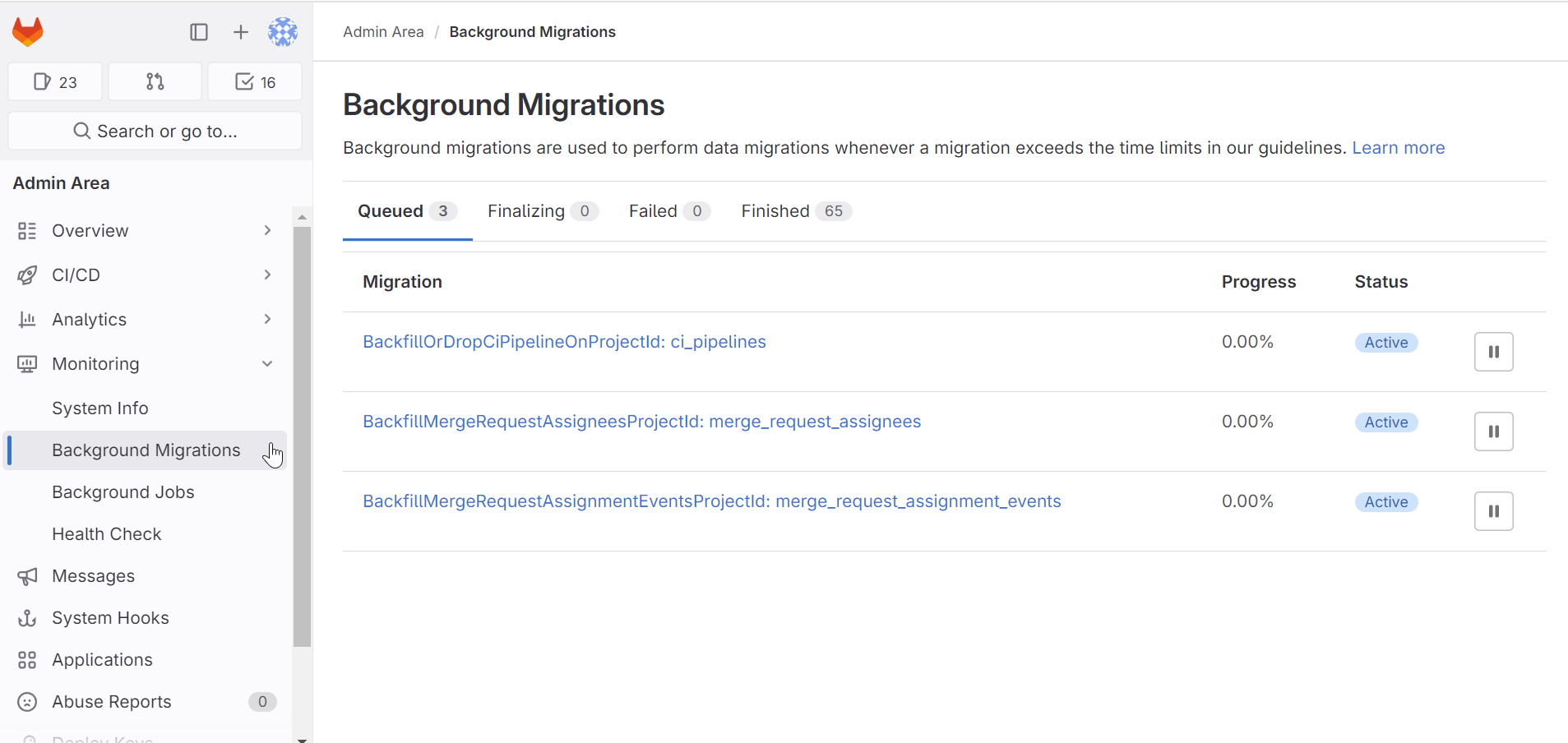
If all background migration jobs are done, repeat all steps above until the wanted Gitlab version is installed and running.